Opening a second campus is a milestone. Opening a third or fourth is a sign of real success. But for many school groups, each new campus also brings a new set of registers, a new fee spreadsheet, a different way of doing results — and a headache for anyone trying to manage the group as a whole.
The problem: growth multiplies inconsistency
Campuses usually grow up independently. Each principal and office develops their own habits. Over time, a group might find that:
- each campus uses a different fee format and different late-fee rules,
- result cards look different from campus to campus,
- one campus uses software, another uses paper, a third uses spreadsheets,
- combining figures for the owner means collecting and reformatting reports from every campus,
- and when data is shared between campuses, it’s easy for records to get mixed up.
Two opposite risks
School groups face two risks at once. The first is fragmentation: every campus doing its own thing, making the group impossible to manage consistently. The second is mixing: if everything is pushed into one shared spreadsheet or system without proper separation, campus data gets confused and staff can see records they shouldn’t.
How Aschool solves both
One platform, separate schools
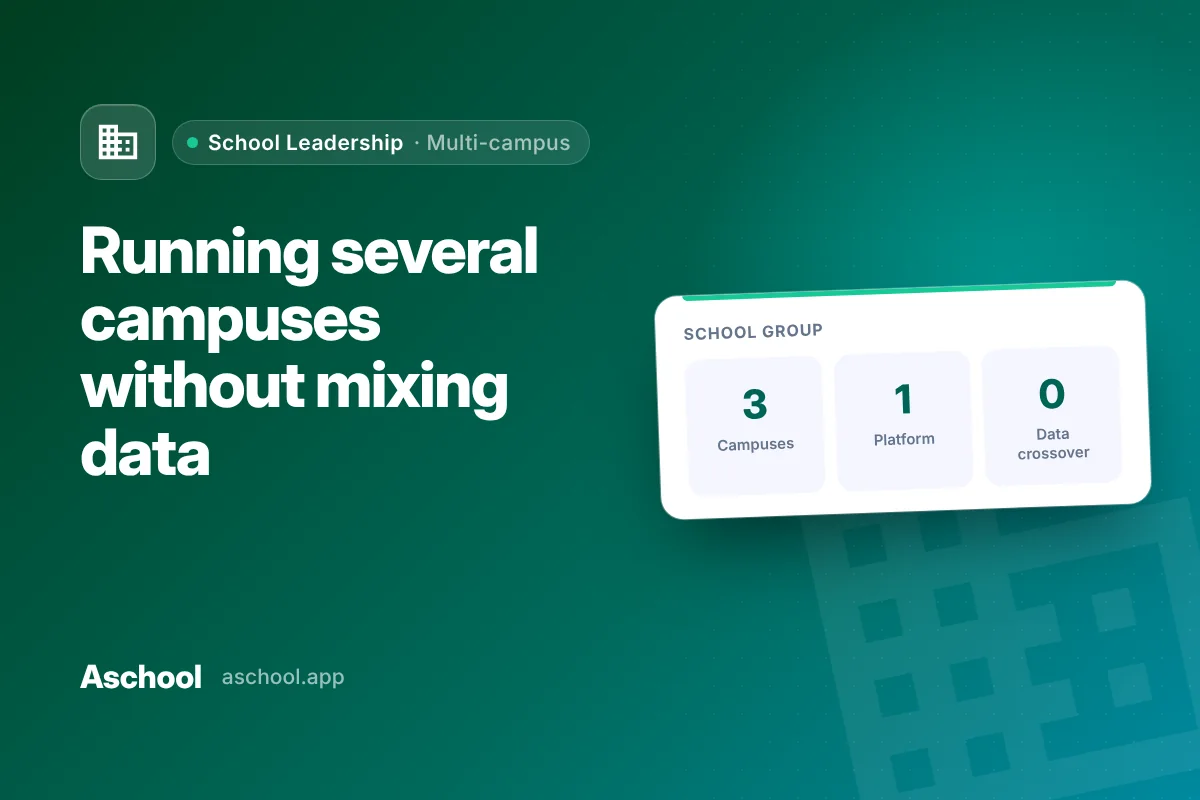
Aschool is built as a multi-tenant platform. Many schools run on the same system, but each school’s students, staff, fees, and records are scoped to that school alone. Campuses share the same tools without sharing data.
Independent fee structures
Each campus can manage its own fee structure independently, so differences in pricing between campuses are handled cleanly — while the process of generating and collecting vouchers works the same way everywhere.
Separate payroll per school
Payroll data for each school stays fully separated, a natural extension of the same design that keeps students and fees apart.
Consistent processes across the group
Because every campus uses the same modules — admissions, attendance, exams, fees, payroll, transport, communication — staff moving between campuses already know the system, and processes stay consistent.
New campuses without new infrastructure
Adding a new school to the platform is a matter of creating its account — not installing new software or setting up a separate server for every campus.
Tips for school groups
- Agree on standard processes (fee cycles, exam structure, communication) before rolling out to every campus.
- Decide which differences between campuses are intentional and which are just habit.
- Start with one campus, refine the setup, then roll it out to the others.
Conclusion
Growth shouldn’t mean multiplying chaos. With one platform and properly separated data, each campus runs independently while the group runs consistently. Talk to us about your school group.