If your child’s school has started using Aschool, you probably have questions. Many parents worry that a new system means more passwords, more apps, and more confusion. In reality, it’s designed to solve problems you’ve likely experienced: lost challans, late news about absences, and not knowing where to get answers. Here are the questions parents ask most.
Why has the school moved to Aschool?
Most schools switch because paper-based communication wasn’t reliable. Notices got lost in school bags, fee challans went missing, and parents had to call the office for simple information. Aschool brings that information directly to you.
What can I see in the parent portal and app?
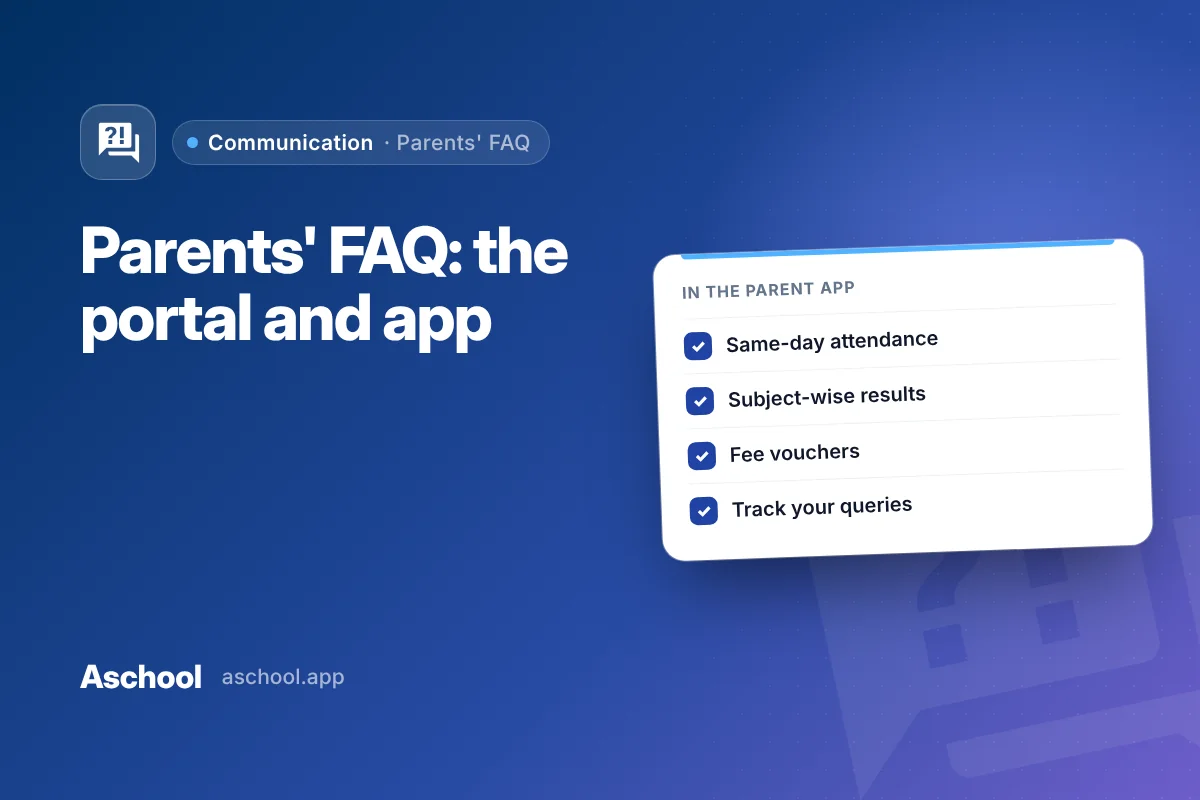
Your child’s attendance, published exam results with a subject-wise marks breakdown, current and past fee vouchers with due dates, and announcements from the school. You can also raise complaints or queries.
Will I know if my child is absent?
Yes. When teachers mark attendance, you can see it the same day, and you’ll receive a notification if your child is marked absent.
When will I see my child’s results?
When the school publishes them. Schools review and finalise results before releasing them, and all parents receive them at the same time. You’ll get a notification when they’re available.
I’ve lost the fee challan. What do I do?
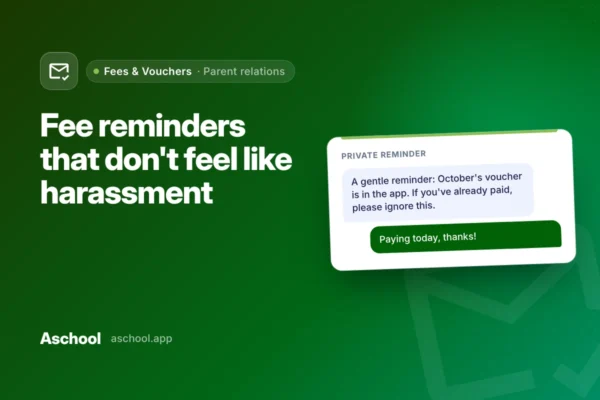
You don’t need to visit the office. Your child’s current and past fee vouchers are available in the app and portal, with the amount and due date.
How will I know if I’ve been charged a late fee?
Late-fee rules are set by the school and applied the same way to every family. Your voucher shows the due date, so you can see exactly when a late fee would apply.
I don’t use apps much. Will I miss messages?
Schools using Aschool’s WhatsApp bridge can send messages straight to your WhatsApp, so you’ll still receive important announcements. The app adds push notifications and keeps everything in one place for when you need it.
Will I get messages meant for other classes?
Schools can target messages to the whole school, a single class or section, or an individual parent. You should mainly receive messages relevant to your child.
How do I raise a complaint or ask a question?
You can raise a complaint or query directly from the app and follow its status until it’s resolved — no need to call repeatedly or wonder whether anyone saw your message.
Can other parents see my child’s information?
No. You see your own child’s records. School staff access information according to their roles and permissions, and each school’s data is kept separate from every other school on the platform. School messages also reach you without your number being shown to a whole class group.
My child uses the school van. Is that in the system?
Yes. Students using school transport are assigned to a specific vehicle and stop, and transport charges appear on the same fee voucher as tuition — one bill, not two.
Who do I contact if I have trouble logging in?
Contact your child’s school office. They manage parent accounts and can help you get started.
For school leaders reading this
If you’d like your parents to have this experience, book an Aschool demo.