“82%. Good.” For many families, that’s the entire conversation about a report card. The overall percentage gets a quick glance, maybe a comparison with last term, and the card goes into a drawer.
But a single number hides almost everything useful. This guide is for parents who want to get more out of their child’s results.
The problem: averages hide the story
Imagine two students who both score 82%. The first scored in the low 80s in every subject. The second scored in the high 90s in four subjects and 55% in mathematics. Same percentage — completely different situations. The first student is consistent. The second has a specific problem that needs attention now, before it grows.
When parents only see the overall figure, problems like that second student’s go unnoticed until the subject becomes a serious weakness.
How to read a subject-wise breakdown
1. Look for the lowest subject, not the highest
Celebrate the strong subjects, but spend your attention on the weakest one. That’s where a little support makes the biggest difference.
2. Compare with the previous exam
Is a subject improving, stable, or declining? A drop from 75% to 60% in one subject matters more than a steady 65%.
3. Check the gap between subjects
Large gaps can point to a specific difficulty — reading, language, or numeracy — rather than general effort.
4. Read it alongside attendance
If a weak subject is taught in a period your child has missed often, that’s a likely explanation.
5. Bring specific questions to the teacher
“Why is my child weak?” is hard to answer. “Her science dropped by 15 marks since the mid-term — which topics did she struggle with?” leads to a useful conversation.
How Aschool helps parents see the full picture
Subject-wise results on your phone
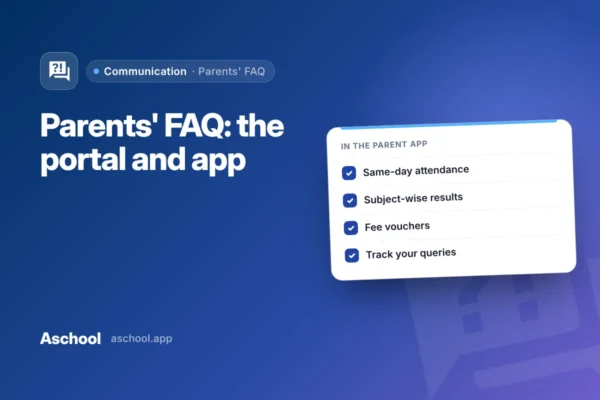
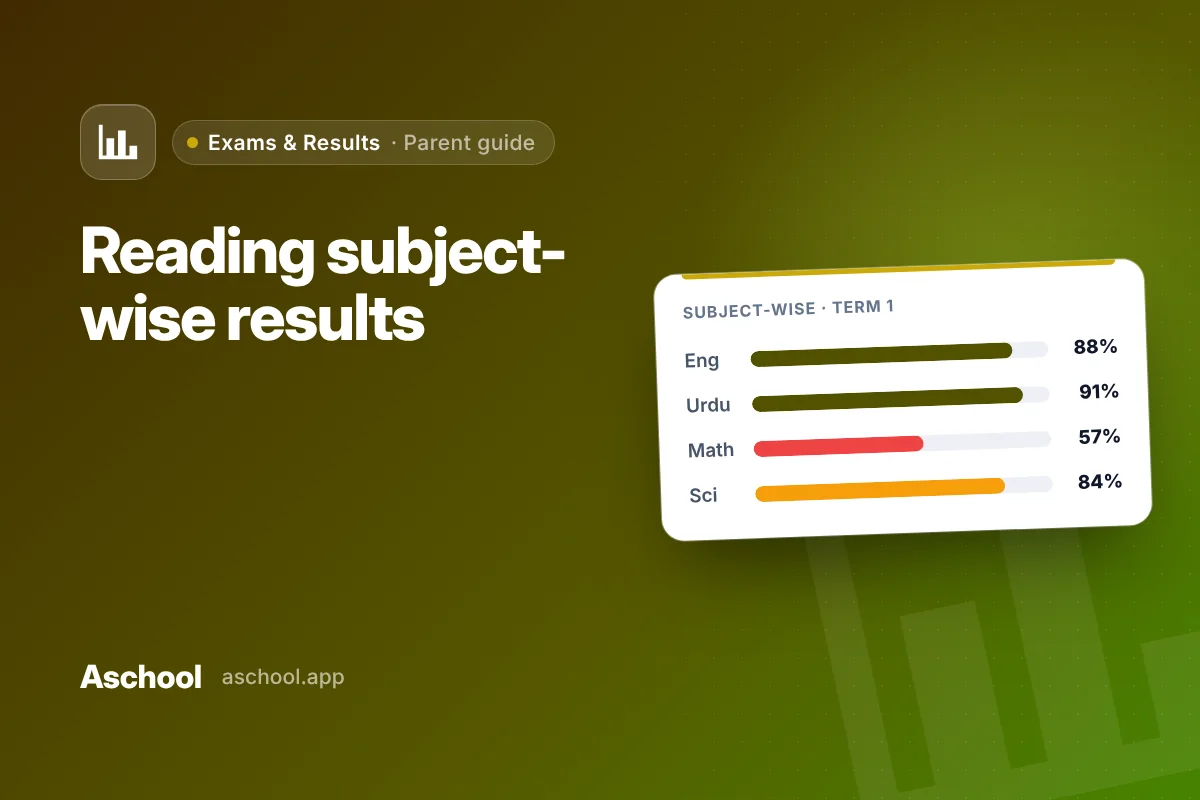
When the school publishes results, you can open them in the Aschool mobile app or parent portal and tap into a subject-wise marks breakdown — not just the final grade.
Notification when results are published
You receive a notification as soon as results are available, so you can look at them calmly at home before discussing them with your child.
Attendance in the same place
Your child’s attendance record is available in the same app, making it easy to connect absences with results.
A direct line for questions
If something in the results concerns you, you can raise a query through the app and track it until it’s answered.
A word about conversations with children
Use the breakdown to support, not to scold. “You’re doing really well in English and Urdu — let’s figure out what’s making maths harder” is far more motivating than focusing only on the lowest mark.
Conclusion
Results are most valuable when they lead to action. A subject-wise view shows you exactly where to help. Schools that want to give parents this visibility can book an Aschool demo.