A school buys a new management system. Training is held on a Saturday. Within a month, half the teachers are back to paper registers, and the office is entering their attendance into the system on their behalf. Sound familiar?
Software adoption in schools rarely fails because of the software. It fails because of how it’s introduced.
The problem: why teachers resist new systems
- “It’s more work.” If the new system is added on top of the old registers, teachers are right — it is more work.
- Fear of looking incompetent. Experienced teachers who are confident in the classroom may feel exposed using unfamiliar technology in front of colleagues.
- No visible benefit. If teachers see the system as something management wants for its own purposes, they have little reason to engage.
- Bad past experiences. Many have seen previous tools introduced with fanfare and abandoned months later.
A rollout plan that works
1. Start with what saves teachers time
Lead with the features that remove the most tedious work. In Aschool, that’s the exam module: teachers enter marks, and the system calculates totals, percentages, grades, and positions, then generates report cards. When teachers experience their first report card week without a calculator, the case for the system makes itself.
2. Retire the paper — completely
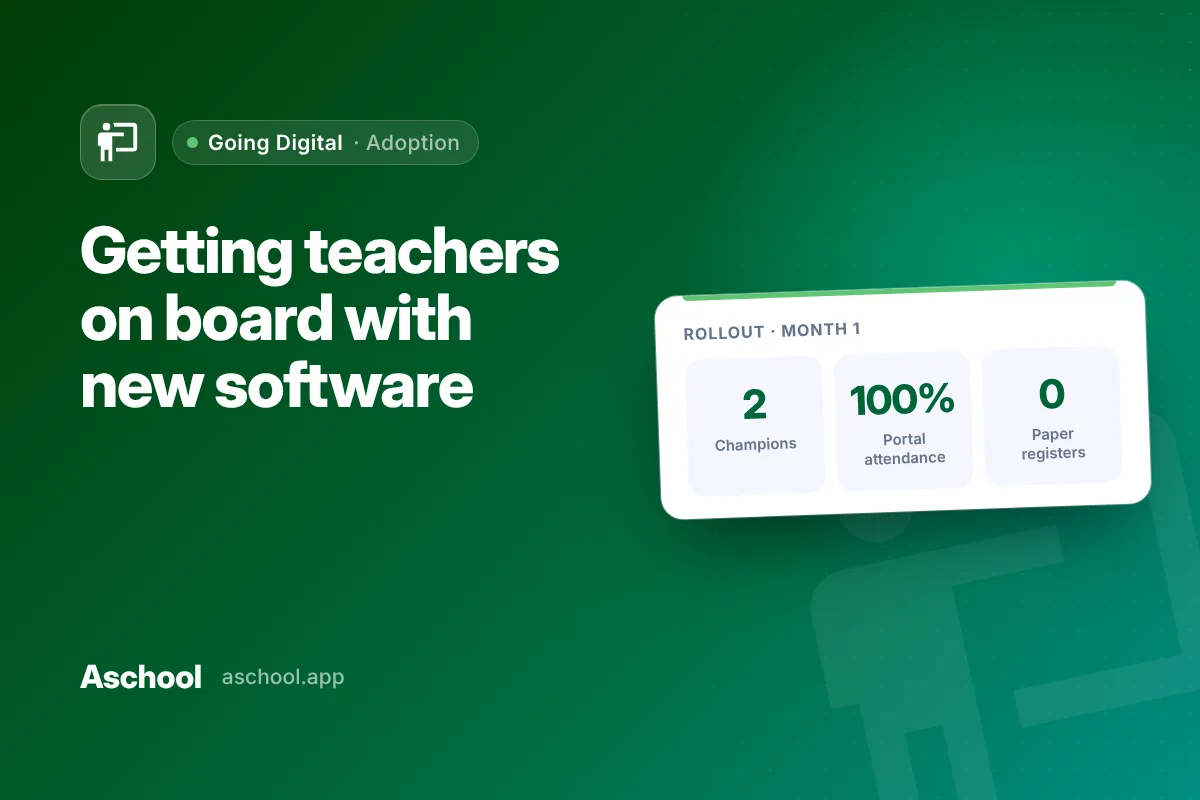
Running paper registers and the system in parallel for more than a short transition guarantees resentment. Set a date, then stop accepting paper. Marking attendance in the teacher portal, with the class roster already loaded, should replace the register, not duplicate it.
3. Find your champions
Identify two or three teachers who are comfortable with technology and get them using the system first. Colleagues learn more from a fellow teacher than from a trainer.
4. Train in small groups, on real tasks
Skip the long Saturday presentation. Instead, sit with small groups and have them mark today’s attendance for their own class or enter marks from a real test.
5. Show them the parent side
When teachers see that marking attendance sends parents an absence notification automatically, or that publishing results means fewer individual queries, they understand that the system reduces their communication load too.
6. Protect their time and privacy
Aschool’s Communication Center lets teachers reach parents through the school’s system rather than their personal numbers and WhatsApp groups. Many teachers welcome having that boundary back.
7. Listen and adjust
Collect feedback after the first month. Small changes to process or permissions can resolve frustrations before they harden into resistance.
Measuring success
A rollout is working when teachers stop asking “do I have to use the system?” and start asking “can the system also do this?”
Conclusion
Teachers adopt tools that make their work easier. Introduce the system as relief, not as extra duty, and adoption follows. Book a demo to see Aschool from a teacher’s view.