Here’s an uncomfortable question for any school owner: if the main office computer stopped working tomorrow morning, how much of your school’s information would you lose? And if the answer is “nothing, it’s all on paper” — what would happen after a fire, a flood, or a leaking roof over the records room?
The problem: years of records in one fragile place
Many schools keep their most important records in a single location:
- one desktop computer in the accounts office holding every fee spreadsheet,
- a USB drive that serves as the “backup” and sits in a drawer next to the computer,
- a cupboard of registers going back years,
- result files on a teacher’s personal laptop.
Hard drives fail. Laptops are stolen. Monsoon water gets into storerooms. Electrical surges are common. And when something goes wrong, schools discover how much depended on a single device or room.
What’s actually at stake
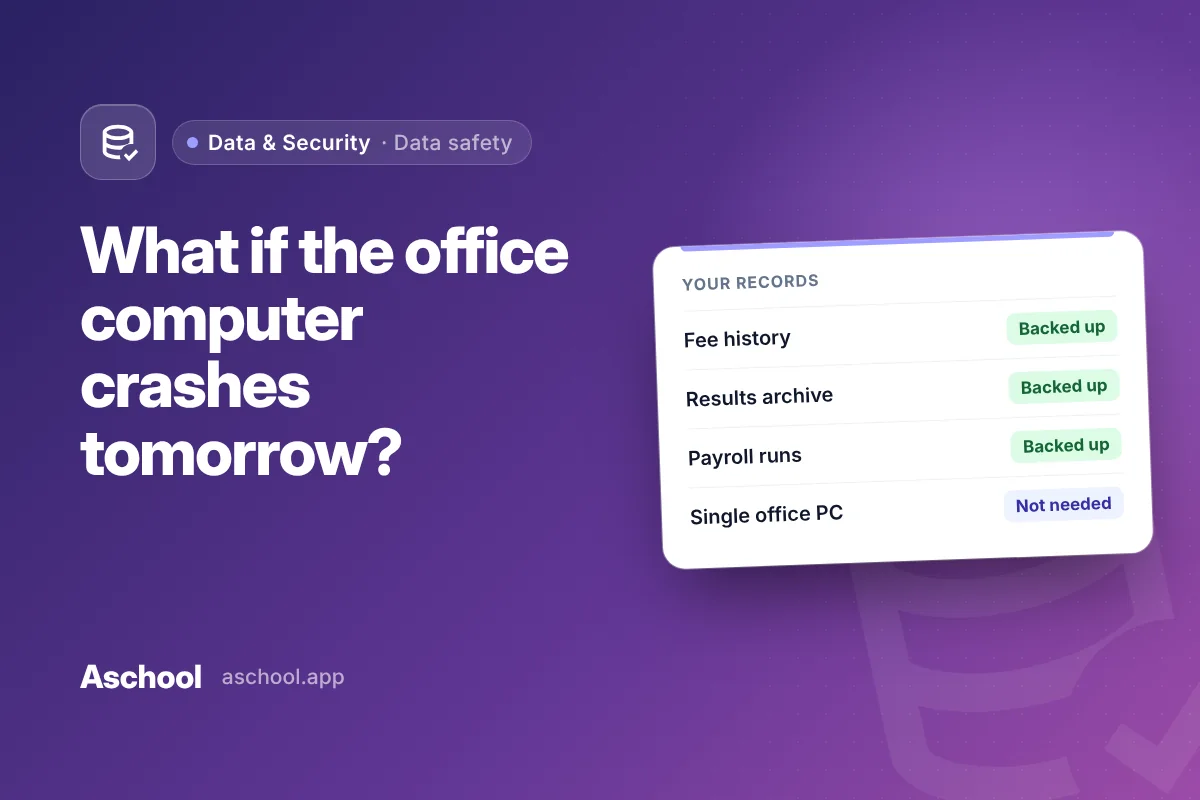
- Fee records: without them, the school can’t prove who has paid or what’s outstanding.
- Results history: needed for certificates, transfers, and students’ future applications.
- Student records: contact details, enrollment history, and documents.
- Payroll history: needed for staff queries, audits, and records.
Rebuilding these from memory and scattered papers takes weeks, and some information can never be recovered.
How Aschool protects school records
Records don’t live on one office computer
Aschool is a platform that many schools use through their own accounts, rather than software installed on a single office PC. Staff log in through the portal, so the school’s records aren’t tied to one machine that could fail.
Platform-level backups
At the platform level, Aschool maintains database backups as a safety net. Schools don’t have to remember to copy files to a USB drive every week.
Audit logs
Platform-level audit logs provide visibility into activity, adding another layer of oversight.
Access from anywhere staff need it
If the office computer breaks, staff can log in from another device and continue working. The school’s operations don’t stop because one machine did.
History that stays with the school
Payroll runs, fee vouchers, results, and communication history are stored in the system — not on the personal devices of staff who might leave.
A quick risk check for your school
- List where each type of record is stored today.
- For each, ask: what happens if this device or room is lost?
- Check when the last backup was made — and whether anyone has ever tried restoring it.
Conclusion
A school’s records represent years of work and trust. They deserve better protection than a single computer and a USB drive. Book a demo to learn more about Aschool.